30% off on product page · save $187.48
1080p Smart Projector: Movie Night Setup Guide
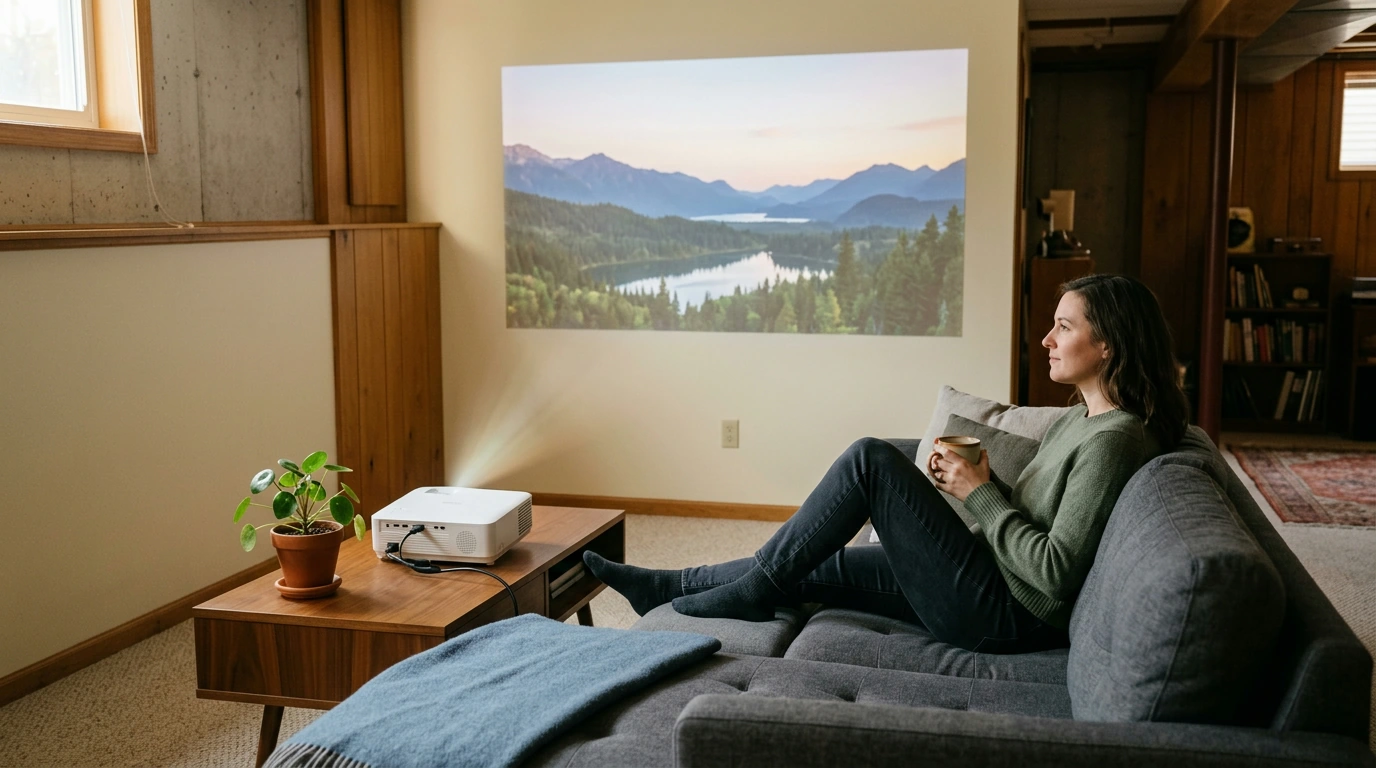
A projector can turn a clear wall or dedicated screen into a gathering place for movies, shows, and shared viewing. You might use it for a family film in the living room or a relaxed evening in a bedroom, depending on where you have space to position it and sit comfortably.
It combines Full HD resolution with listed 4K support and wireless features. Visit the product page for current pricing and details before deciding whether it fits your plans.
Think about the whole viewing area, too. A clear surface for the picture and an accessible place for your equipment can make setup easier. If you’re arranging a bedroom, our Wooden Bedside Nightstands Storage Luxury Drawers Bedroom Nightstand is another option to explore for bedside storage; choose projector placement separately according to its instructions.

Full HD, or 1080p, describes an image with 1,920 pixels across and 1,080 pixels down. Our projector also lists 4K support, but that should not be confused with native 4K display resolution. Supporting a higher-resolution source does not mean displaying it at its native resolution.
A larger picture spreads the same pixels over more area, so it may look less crisp when you sit close. Consider picture size alongside seating distance and the light you can control.
Featured in this guide
1080p Full HD Smart Projector with 4K Support, WiFi, and Bluetooth
WiFi and Bluetooth serve different purposes, and available functions depend on the projector and the devices you want to use. Confirm compatibility with your intended devices and streaming services before purchasing.
To connect to WiFi, open the projector’s network settings, select your home network, and enter its password if prompted. For Bluetooth, follow the pairing instructions for both devices. If you want to connect a phone, confirm the supported method first; don’t assume screen mirroring or a particular cable connection is available.
We recommend weighing your desired picture size against your seating distance and available space. Full HD may suit everyday viewing, while the listed 4K support and wireless features are worth considering alongside your intended sources and budget.
Check the product’s listed specifications when evaluating is it right for your room.
Watch · product page video
“This smart projector is a dream come true! Full HD, 4K support and wireless connectivity – it’s just perfect for my home cinema nights.”
Plushoria product page · Product review
Before choosing, compare the product details with your daily routine, available space, care needs, and preferred setup. The strongest option is usually the one that fits the intended use clearly and remains simple to clean, store, and check before repeat use.
It is also worth checking measurements, material notes, included parts, and compatibility details so the item matches the way it will be used after delivery.
The method depends on the connection options supported by your phone and projector. Consult both devices’ instructions rather than assuming that screen mirroring or a particular cable is supported.
Full HD can suit everyday viewing. Perceived sharpness also depends on image size, seating distance, and room lighting.
Open the projector’s network settings, select your home Wi-Fi network, and enter the password if prompted. Menu names can vary, so consult the instructions for your model.





Leave a comment